Built into the code
- •Vertical pack and pipeline
- •Contacts, forms, bookings
- •Website and link pages
- •Products, quotes, invoices
- •Tasks, calendar, reports
Harborline Garage Door Co. (Sample) · Sample business
The door is stuck. What happens after the call?
A garage door request needs a fast response and a clear arrival window. Keep the caller, door problem, visit, written scope, and job status in one record.
The operating promise
Connect the service address, confirmed visit, diagnosis, quote, and repair.
The system calls them
Customers
The work is called
Jobs
Main operating view
Job board
Business setup
Garage Door Service
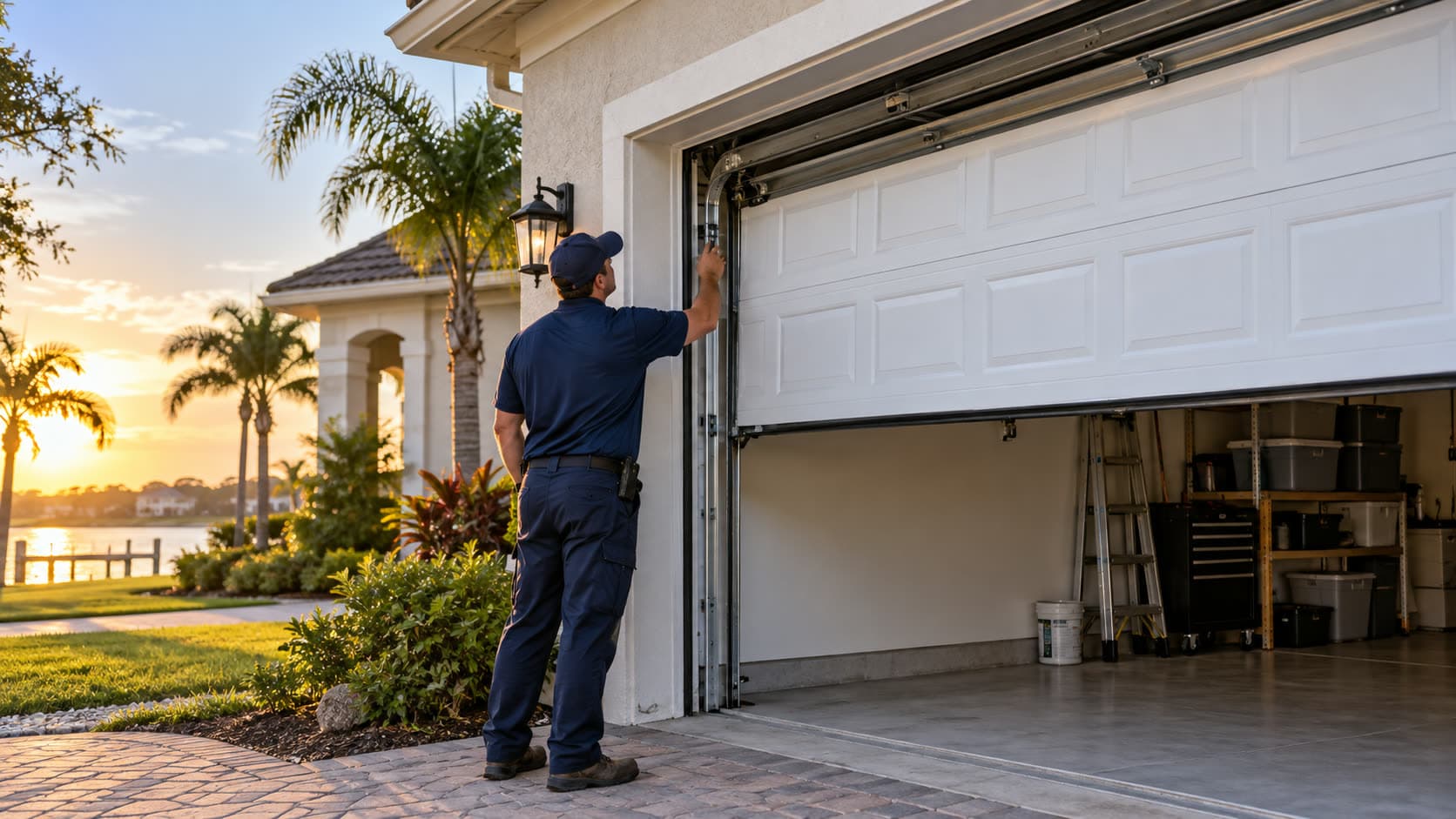
A business you can recognize
Harborline Garage Door Co. (Sample)
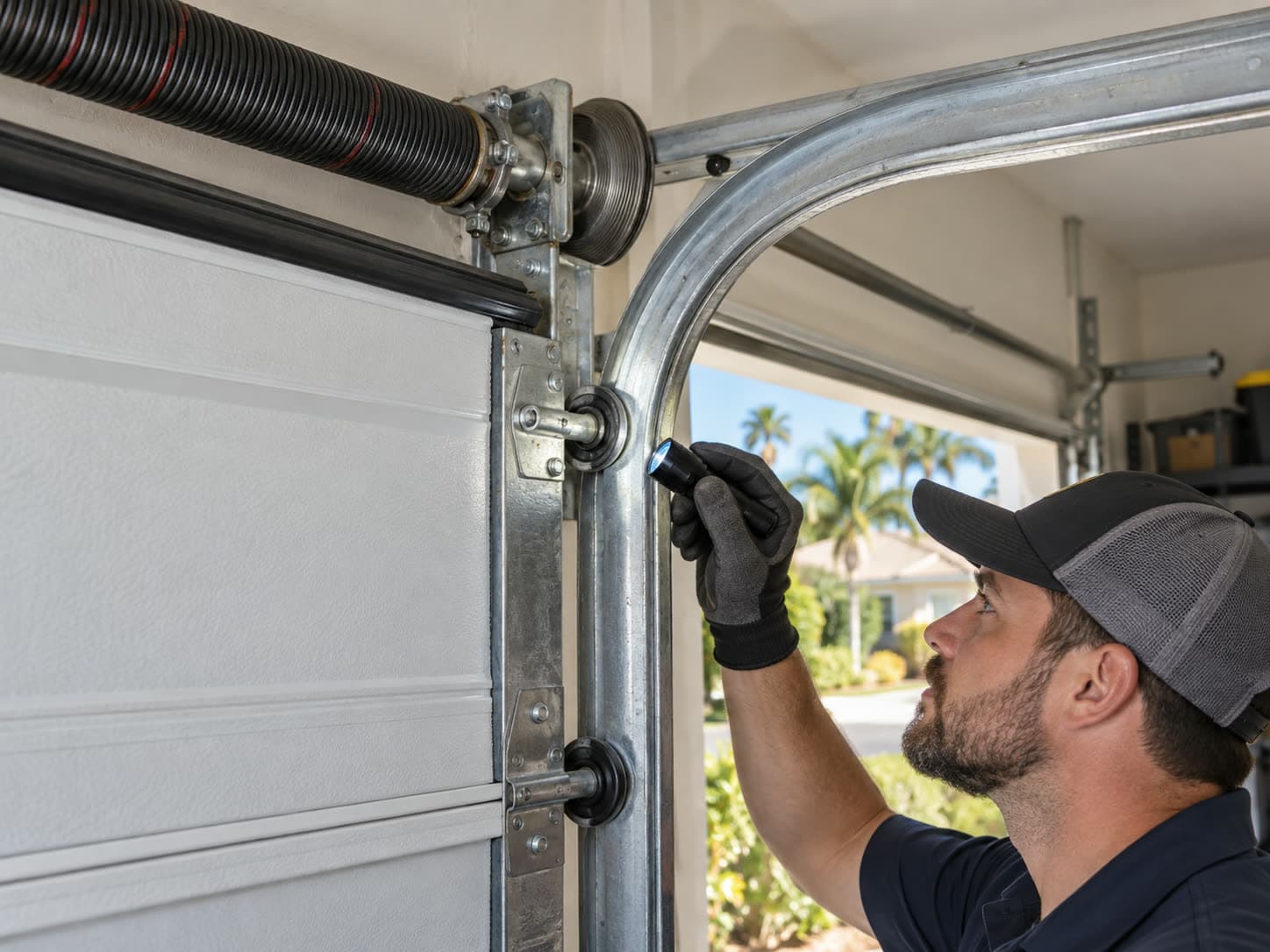
Job board
The customer journey
Service pages explain door problems, the area served, and the path to request help.
When configured, the receptionist can collect a missed caller's name, address, issue, and callback number.
A customer can choose an available slot, or the owner can confirm a visit after a direct conversation.
The job board keeps the service address, door issue, visit, notes, and next action together.
The operator reviews the repair scope and price before sending a branded quote.
A mobile page can keep service, contact, quote, and review links in one place.
The pipeline, customer fields, forms, and activity language come from the Garage Door Service pack. The sample records show the operating rhythm without pretending they are customer data.
+ 5 more stages
The seeded Garage door service request collects the details this operator needs. The submission feeds the same contacts, pipeline, and activities used by the rest of the system.
Garage door service request
Built inHarborline Garage Door Co. (Sample)
Share the address and what the door is doing. The team will confirm the next step.
The site record, public page, brand, domain, and contact paths live beside the customer system. The mock below shows how the room can present the business, not a generic software dashboard.
Business website
Built inResidential garage door repair and installation teams.
A garage door request needs a fast response and a clear arrival window. Keep the caller, door problem, visit, written scope, and job status in one record.
Request serviceConnected paths
The link page can carry booking, service, payment, review, and social destinations while recording activity back in the workspace.
Client link page
Built inConnect the service address, confirmed visit, diagnosis, quote, and repair.
Clicks tracked in CRM Stack
The built-in catalog feeds quotes and invoices. Payment collection needs the operator's Stripe account or payment link, so the room labels that connection instead of drawing a finished cart that the repo does not ship.
Products, quotes, and payment path
Payment connectionReusable product or service
Reusable product or service
Reusable product or service
The Relay intake can match a lead, store the transcript, log the activity, score the opportunity, and create follow-up work. A provider number and runtime still need to be connected by the operator.
Built-in receptionist base
Receptionist baseIncoming call
“Thanks for calling. How can I help you today?”
It takes down
Signed Relay events can create or match the contact, store the transcript, log the activity, score the lead, and create follow-up work. The operator still connects the provider number and runtime.
The owner controls the software beneath the room. The operator supplies the business identity and third-party accounts.

Inside the business
The Chair Room
+ 2 more stages
Keep every regular, service note, and return visit within reach.
Keep client history, booking requests, service notes, and rebooking cadence in one branded workspace.

Inside the business
Goodwork Heating & Air
+ 3 more stages
Turn repair calls into scheduled work and maintenance customers.
Move repair calls from intake to estimate, schedule, invoice, payment, and a maintenance relationship.